Stream clipping serviceLast night's stream.
This week's Shorts.

We find the best moments in your Twitch or YouTube streams and edit them into vertical clips with captions, zooms and effects. You approve every one.

3 free edited clips, ready to post. No card, free account. Paste your Twitch or YouTube channel link (we confirm it's yours before we start), or paste a VOD link or upload a video.

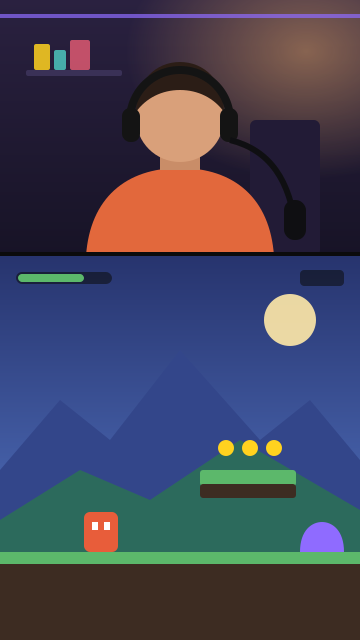
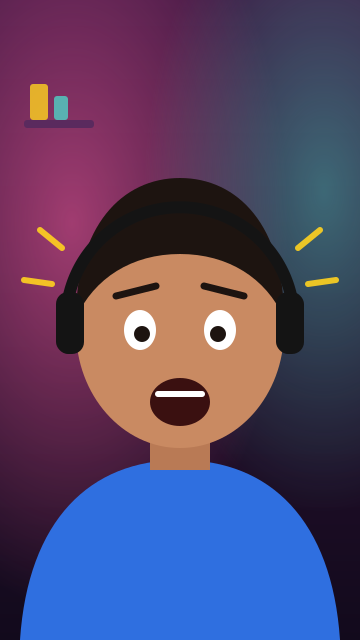
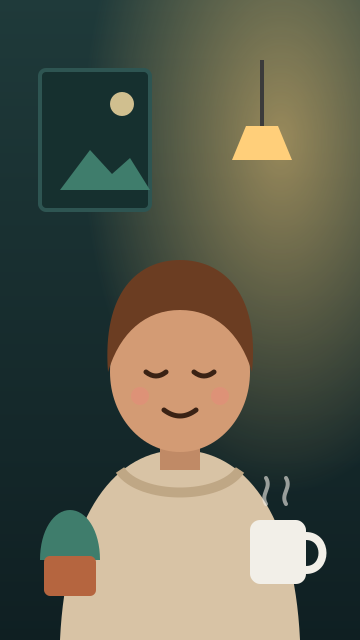
Illustrated previews of our three edit styles. Real streamer clips will appear here once streamers say yes.

  • Built for streamers under 1k viewers
  • Twitch and YouTube streams
  • English + French captions
  • You approve every clip
See it work

One link in. Three clips out.

A quick walkthrough of what happens after you send us a stream.

Animated demo of the ZingerAI app: you paste a Twitch or YouTube link, the stream is analyzed for chat spikes and hype moments, the top 3 moments become vertical clips with captions, and you get 3 edited clips ready to post. Demo animation, sped up. The link, moments and clips are examples, not a real stream.
Moment finder

We rewatch the whole stream, so you don't have to.

Laughs, loud reactions, "clip that" and chat bursts flag the candidates. A language model reads the transcript around each one and ranks it.

  • Works even when your chat is quiet
  • Keep or drop each moment before we edit it
How it works

Three steps. You never open an editor.

Made for streamers who would rather stream than edit. You paste your channel link once, we do the cutting and editing, and you get clips that are ready to post.

  1. Step 1 You, about 2 minutes

    Create a free account, add your channel

    The free sample needs a free account: sign up with your email and confirm it. Then paste your Twitch or YouTube channel link: we confirm the channel is yours before we start, and take a recent stream from there. Or paste a link to one VOD, or upload a video. Nothing to install.

  2. Step 2 Us

    We find your best moments

    Our AI goes through the whole stream and ranks the moments worth sharing. Our team checks the picks and edits each clip.

  3. Step 3 You

    Get 3 edited clips, ready to post

    Vertical 9:16 with captions, zooms and effects already done. Preview, approve and download them in your dashboard, then post them yourself.

Your whole job: make a free account, paste your channel link once, then approve. No editing app, no timeline, no exporting.

Get 3 free edited clips
Pricing

Start free. Pay once you like the clips.

Prices in Canadian dollars. Nothing is charged today.

Done for you

Best value

$100 $89 CAD / month

Launch price - goes to $100 later

One monthly price. See your 3 free edited clips first, then subscribe from your account.

  • We go through your streams and edit the best moments
  • Captioned 9:16 clips in English or French, in your style
  • You approve every clip; we never post for you
  • Cancel any month. See the refund policy
Get 3 free edited clips first

The app

Not open yet

Do it yourself: paste a stream link and review the clips in your browser. These prices are placeholders and may change.

Monthly limits, reset every month.
PlanPriceStream hoursClips
Starter$91030
Creator$1930100
Pro$3980300
Create a free account

We confirm the price with you before any payment.

Free sample

Get 3 free edited clips, ready to post

Create a free account and add your channel link. We pick three great moments from a recent stream, fully edit them (captions, zooms, effects, vertical 9:16) and you get 3 clips ready to post in your dashboard.

  • Free. No card, no subscription.
  • We only use your stream to make your clips.
  • We never sell your email. Read the Privacy Policy.

How the free sample works

  1. Create a free account with your email (no card) and confirm your email. You need an account to get the free sample.
  2. Paste your Twitch or YouTube channel link. We confirm the channel is yours before we start. Or paste a VOD link, or upload a video.
  3. Ask for your 3 free clips. You preview, download and approve them in your dashboard.
Create my free account

Already have an account? Log in. One free sample per account and per channel. Read the Terms and the Privacy Policy.

FAQ

Questions about our Twitch and YouTube clipping service

Something else? Write to [email protected].

The clips

What do I get?

Free sample: 3 edited clips from one of your recent streams. Vertical 9:16, with captions, zooms and effects, ready to preview and download as MP4 files in your dashboard. No card, and you keep the clips even if you never subscribe.

Done-for-you plan: we keep going through your streams and edit the best moments into clips in the style you pick, with captions in English or French. You approve every clip and can ask for one revision per clip.

Do I need an account for the free sample?

Yes. The free sample needs a free account: sign up with your email, confirm it with the link we send, log in, then paste your Twitch or YouTube channel link (we confirm it's yours before we start), or paste a VOD link or upload a video. It's free and needs no card. One free sample per account and per channel.

Do I have to edit anything?

No. ZingerAI is a done-for-you clipping service, so you never open an editing app. Your part is adding your channel link once, then approving, renaming or dropping clips in your dashboard.

Which platforms work?

Your streams on Twitch or YouTube, from a channel link you paste (we confirm it's yours before we start), or a VOD link or video file you send. The clips are vertical videos made for TikTok, YouTube Shorts and Instagram Reels.

Which languages do you support?

English and French. Captions come out in the language you speak. Most of our testing so far has been in English, so tell us if a French caption looks off.

Do you post to TikTok or YouTube for me?

No. You choose which clips to post and post them yourself. Nothing goes out without your OK.

How do you pick the moments? Does it work if my chat is quiet?

We look for signals like laughter, loud reactions, phrases like “clip that” and chat spikes, then AI reads the transcript around each moment and scores it. It mostly listens to your audio, so a quiet chat is fine. AI can be wrong, which is why you approve every clip.

Will this grow my channel?

We can't promise views, followers or income, and nobody honestly can. What we save you is the hours of finding and editing clips.

Price, payment and cancelling

How much does it cost?

The free sample costs nothing. The done-for-you plan is $89 CAD a month, and you can subscribe after you've seen your 3 free clips. See Pricing.

The self-serve app isn't open yet, and its prices are placeholders.

How does payment work?

Before you pay, you see a summary with the total price and how to cancel, and we email you a copy of the contract. Plans are billed every month, in advance, in Canadian dollars. You can pay by card through Stripe (we never see your card number) or by Interac e-Transfer. Nothing is charged today.

Can I cancel any time?

Yes. Cancel online in your dashboard (Billing, “Cancel my subscription”) or by email, with no reason and no fee. It stops at the end of the month you already paid, we don't charge you again, and you keep your clips.

Your content and privacy

Can I monetize the clips?

Yes. Your streams and the clips we make from them stay yours, so you can post and monetize them under each platform's rules. You must own the channel or have permission to use its content, including music and game footage. Details are in the Terms.

What happens to my VODs and my data?

We use your streams only to make and deliver your clips. We don't sell your content or use it to advertise ZingerAI. How long we keep each kind of data, which providers help us, and how to download or delete it are all in the Privacy Policy.

Is there a minimum age?

Yes, you must be 14 or older. You confirm it with one checkbox when you sign up.

Is ZingerAI part of Twitch, TikTok or YouTube?

No. ZingerAI is independent and is not affiliated with, endorsed by or sponsored by Twitch, TikTok, YouTube or Meta.

Your last stream already has clips in it.

Create a free account and paste your channel link. You get 3 free edited clips, ready to post.

Get 3 free edited clips